




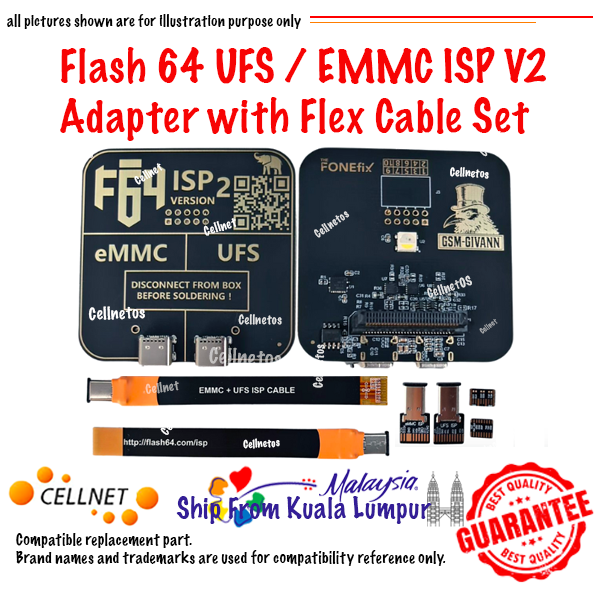
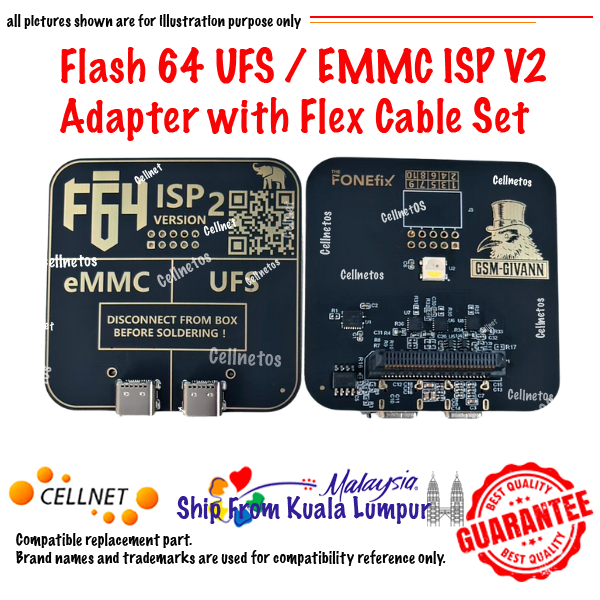
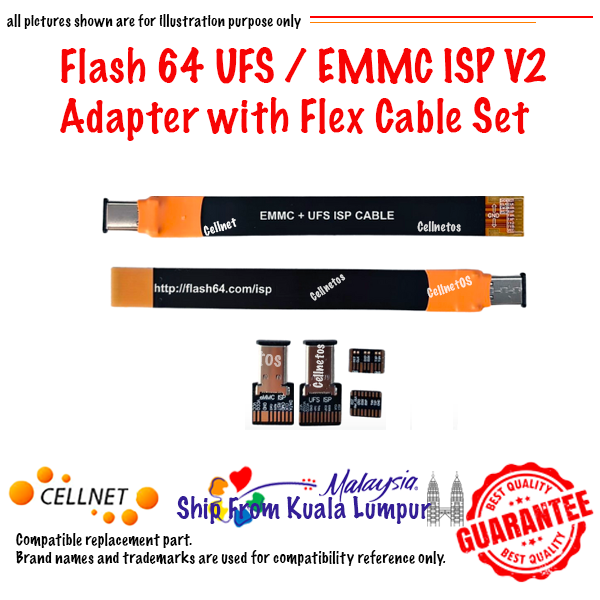
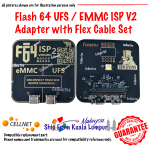
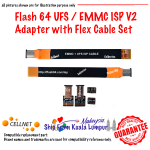

Flash 64 (F64) UFS / eMMC ISP V2 Adapter with Flex Cable Set
Features:
⚡ Execute ISP tasks at high speed with improved stability.
🔧 No motherboard modification required.
How to Use the V2 ISP Adapter for High-Speed Mode
- Solder the appropriate short jumper wire between the ISP cable and the target motherboard.
- Install the latest Flash 64 software (July 2026 or later) and update your F64 Box firmware to the latest version.
- Connect the ISP V2 Adapter to your F64 Box.
- Enable (tick) UFS ISP Mode in the software.
- Important: Set the TX-N option to 10 Ω (10 Ohms).
- Start the ISP operation and enjoy high-speed performance.
Note: The 10 Ω TX-N setting is recommended for achieving stable, high-speed ISP communication when using the V2 Adapter.

Reviews
There are no reviews yet.